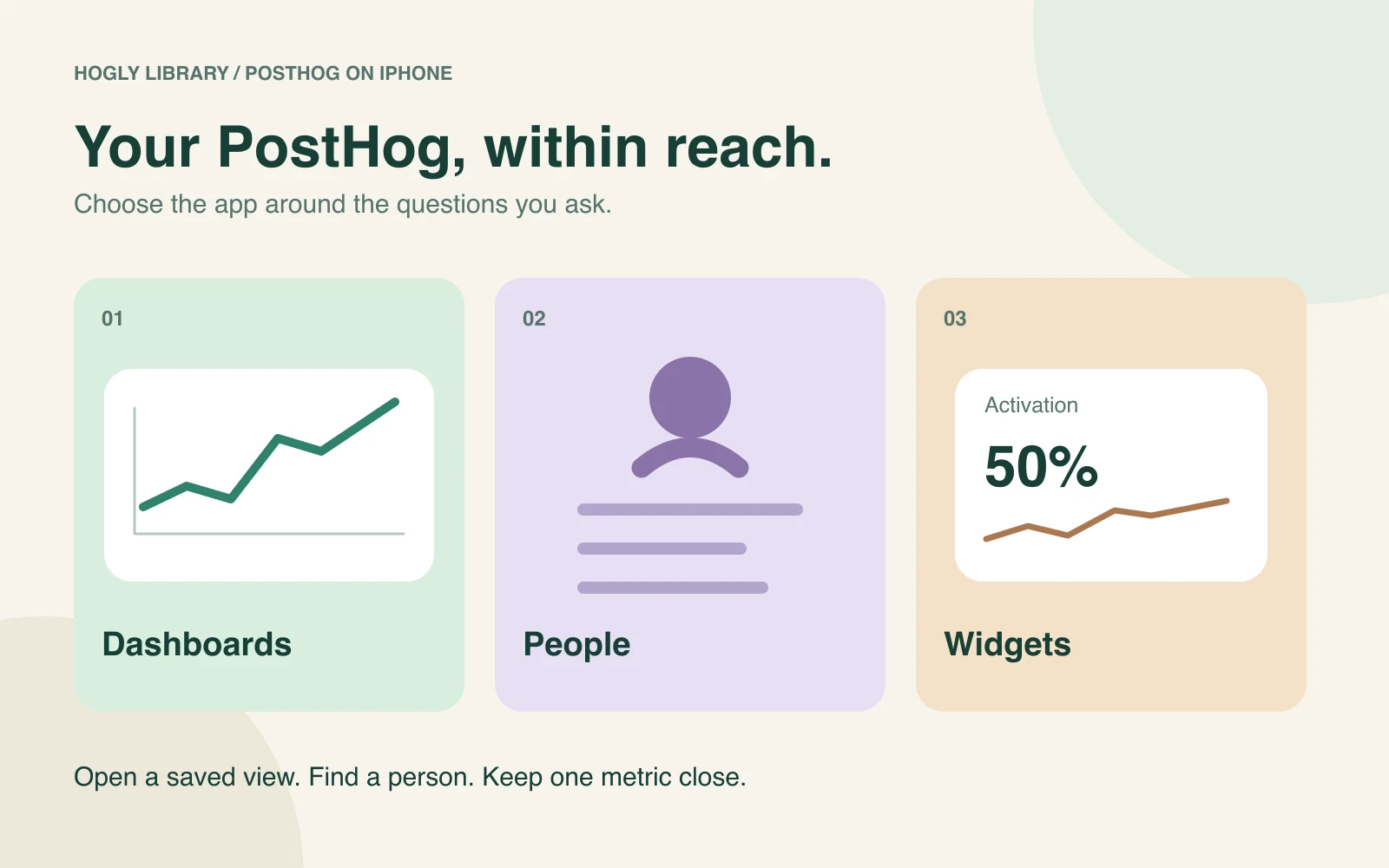
Yes, you can use PostHog from an iPhone. Hogly is an independent native client for iPhone and iPad. The useful question is whether a mobile app can open the dashboards, people, and metrics you already rely on—and what access it requires.
The short version
- Start with your actual saved dashboard and one known user, not a list of feature names.
- Viewing a chart, editing its query, and putting it in a widget are separate capabilities.
- Hogly is independently developed. Check Pro access and PostHog permissions before committing.
What should I look for in a PostHog mobile app?
Choose around the question you ask when you are away from your desk. “Did activation drop?” needs a saved funnel. “What happened to this customer?” needs a person and their activity. “Is everything roughly normal?” might need only a small metric widget. An event counter alone cannot answer all three.
A community discussion about PostHog iOS apps raises exactly these gaps, including missing dashboards and people. Those comments are useful questions to test, not a current feature audit of the apps mentioned there.
Written by the Hogly team; reviewed October 16, 2026. This is a task-based selection guide, not an independent ranking of competing apps. The illustrations are original conceptual diagrams, not screenshots or measured customer results.
Can I open existing dashboards and custom funnels?
Hogly can browse saved PostHog dashboards and Insights, including supported funnel visualizations. That lets you start with a question your team has already defined instead of recreating it as a new mobile-only metric. Keep the project, date range, filters, and counting method visible while comparing results.
Ask separately whether you need to view a chart or change its definition. Hogly has editors for supported Insights, but a chart rendering successfully does not establish that every setting from the web editor is editable on the phone. If a configuration is unfamiliar, inspect it on PostHog web before saving changes.
Our dashboard and funnel guide includes a small, fully specified example for checking whether two views answer the same question.
Can I see people and individual user activity?
Yes. Hogly has Person profiles and activity views, rather than only aggregate event totals. Start with the correct project and a known user identifier, inspect the matching profile, then read the relevant events. Profile properties describe the current person; event properties help explain a particular moment.
Related replays can add context when a recording exists and your connection can access it. The absence of a replay is not proof that the person did nothing. See People and user activity on iPhone for an example that separates a current plan from the plan recorded on an earlier event.
Can I put PostHog metrics on the Home Screen?
Hogly supports widgets sourced from compatible saved Insights and Overview cards. A Home Screen chart and a compact Lock Screen glance serve different purposes, so a source available on one surface may not be available on the other. Widgets require Hogly Pro.
A website shortcut opens a page; a data widget displays a snapshot before you open the app. Neither is a promise of continuously refreshed analytics. For supported chart families, setup, and stale-data checks, use the PostHog widget guide.
Should I use Safari or a native iPhone app?
Safari is a reasonable choice when you want direct access to the web interface, only check occasionally, or need a setting that your mobile client does not expose. A native app is useful when repeat visits, compact charts, person lookups, and widgets are part of your daily routine.
Try the same task in both: open one saved dashboard, locate one known person, and return to the metric you check most often. Compare the number of steps and how easily you can read the result. A complaint about one person's browser session does not prove that Safari fails for everyone, and a native client still depends on network access and valid authorization.
Will it work with my workspace, and is it an official app?
Hogly is an independent client, not an official PostHog product and not endorsed by PostHog. It connects to an existing workspace; it does not replace the analytics collection you already have. PostHog Cloud users can connect with OAuth, while a personal API key is an option for supported self-hosted connections. Confirm your host and project before investigating missing data.
Your PostHog permissions continue to apply. Granting access to dashboards does not automatically grant access to people, recordings, or write operations. Read the connection, privacy, and permissions explanation for the detailed data flows and how to revoke access.
Is Hogly free, and what should I check before paying?
Hogly is free to download with in-app purchases. That does not mean unlimited connected-workspace access is free. Check the current access conditions, price, and any trial offered to your account in the app before subscribing. Hogly Pro and PostHog's own service charges are separate; neither purchase overrides workspace permissions.
Use sample data to understand the interface first, then evaluate your own required workflow under the access available to you. Check whether the saved charts, person lookups, and widgets you need are supported. For subscriptions, read the renewal terms shown by Apple rather than assuming a trial stays free.
View Hogly on the App Store, or start with the existing five-minute iPhone workflow. The recorded product tour demonstrates the interface with fictional sample data; it is not a current price quote.
Quick answers
Frequently asked.
Is Hogly an official PostHog iOS app?
No. Hogly is an independent native client for PostHog and is not affiliated with, endorsed by, or sponsored by PostHog Inc.
Does a PostHog iPhone app only show event counts?
Capabilities differ by app. Hogly includes saved dashboards, supported Insights, Person profiles and activity, and widgets for compatible sources.
Do I need to recreate my dashboards to use Hogly?
Hogly can browse existing saved PostHog dashboards and Insights. Check the specific chart types, query settings, date range, and permissions you need.
Is the App Store download price the whole cost?
No. Hogly is free to download with in-app purchases. Check connected-workspace access, Pro requirements, and any eligible trial in the app. PostHog service charges are separate.